Wedding Rental Catalog & Package Kit
Organize your actual rental inventory into a lookbook, clear package options, and a quantity-aware quote process connected to your existing reservation system.
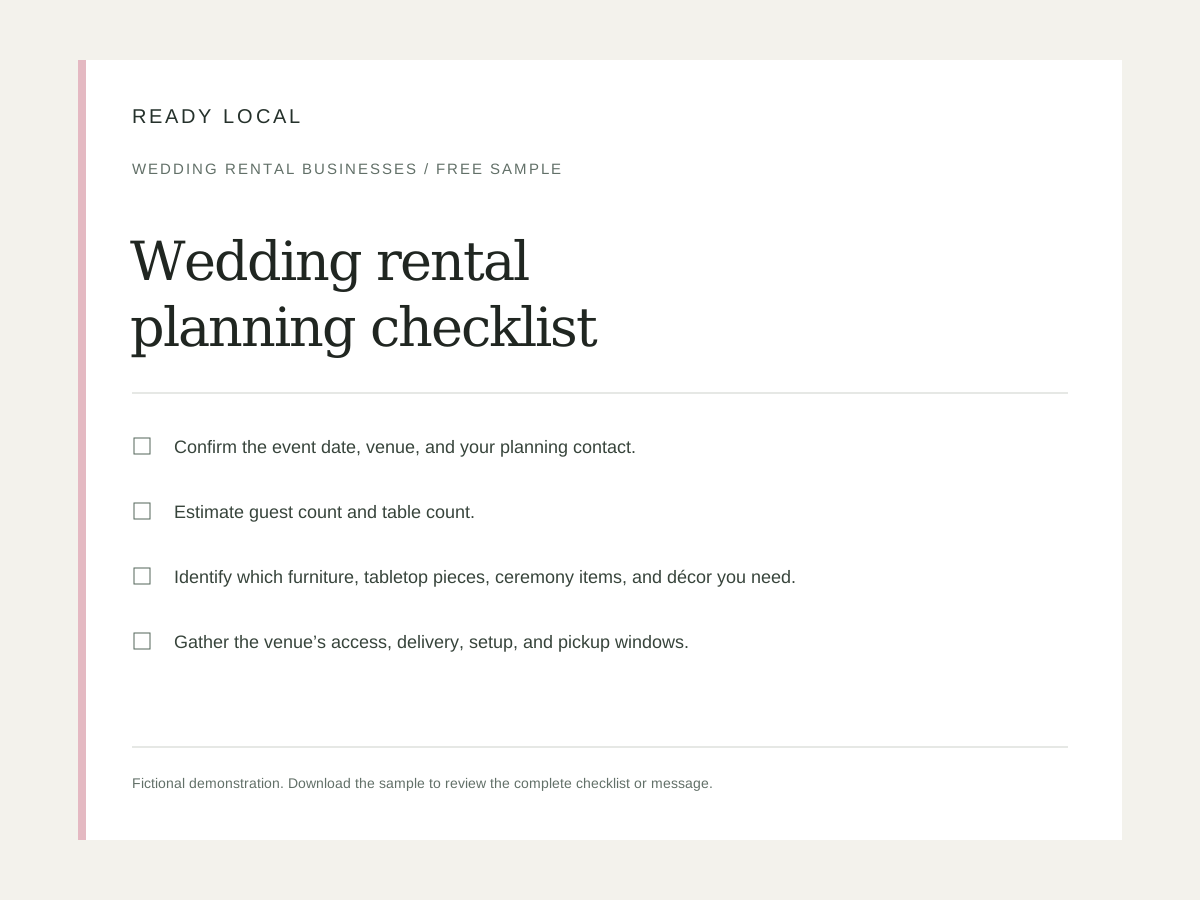
What you’ll put to work.
Help couples and planners understand the collection and request a scoped rental quote.
- Editable digital lookbook
- Three package-comparison layouts
- Individual item pages
- Rental quote worksheet
- Event inquiry questionnaire
- Quote follow-up emails
- Package graphics
Make it your business.
Collection name
Set this to match the services and workflow your business already uses.
Service area
Set this to match the services and workflow your business already uses.
Inquiry / reservation URL
Set this to match the services and workflow your business already uses.
Example delivery charge ($)
Illustrative only. Replace with your actual route / delivery pricing.
Example setup charge ($)
Set this to match the services and workflow your business already uses.
Minimum-order statement
Set this to match the services and workflow your business already uses.
From purchase to practical.
- Open the editor and enter your real business name, contact details, service information, brand color, and logo. Demonstration values are illustrative, not recommended prices.
- Review every generated asset. Replace square-bracket job or customer details before sending, printing, or publishing. Confirm your scope, dates, prices, links, and terms.
- Download an editable project file before leaving the browser. Export only the formats appropriate to the selected asset. Keep an original copy for later changes.
- Use customer photos, testimonials, and logos only with permission. Keep sample businesses visibly labeled; do not present demonstrations as customer results.
- Your single-business license permits permanent use of purchased downloads, with 12 months of updates and support. Redistribution, resale, and sublicensing of the templates are not included.
- Populate the catalog with your actual items, unit prices, dimensions, and authorized images. The branding add-on covers up to 25 supplied products.
- Connect inquiries to your existing reservation process. Keep item availability and reservation status clear; a downloaded catalog is not live inventory.
Good to know.
Do I need a subscription?
No. This is a one-time purchase for permanent single-business use of the downloaded product. Support and updates are included for 12 months.
Can I change the branding and wording?
Yes. Use the browser editor and editable exports. The optional add-on applies supplied branding and settings throughout the complete package in one export.
What if it doesn’t fit my business?
Request a refund within 14 days of purchase from your customer library. See the refund policy for details.
Using your kit
- A square-bracket label remains: it is a job-specific field to complete in the exported document. Double-brace business fields should be filled through the editor.
- A logo looks soft: use a larger transparent PNG. Check exported files at actual print size before ordering printed materials.
- Text overflows: shorten the longest heading or paragraph, then export again. Review PDFs page by page and spreadsheet calculations before customer use.
- A link does not work: enter a complete https:// URL and test it in a private browser window. Do not publish an example.com address.
- The total differs from the booking system: compare quantities, unit definitions, taxes, delivery, setup, deposits, and discounts line by line.
- A package image shows extra styling: label which pictured items are included and which are not.